Terminus Day Zero System Requirements
Windows specs for Longplay Studios’ free short zombie survival adventure on Steam.
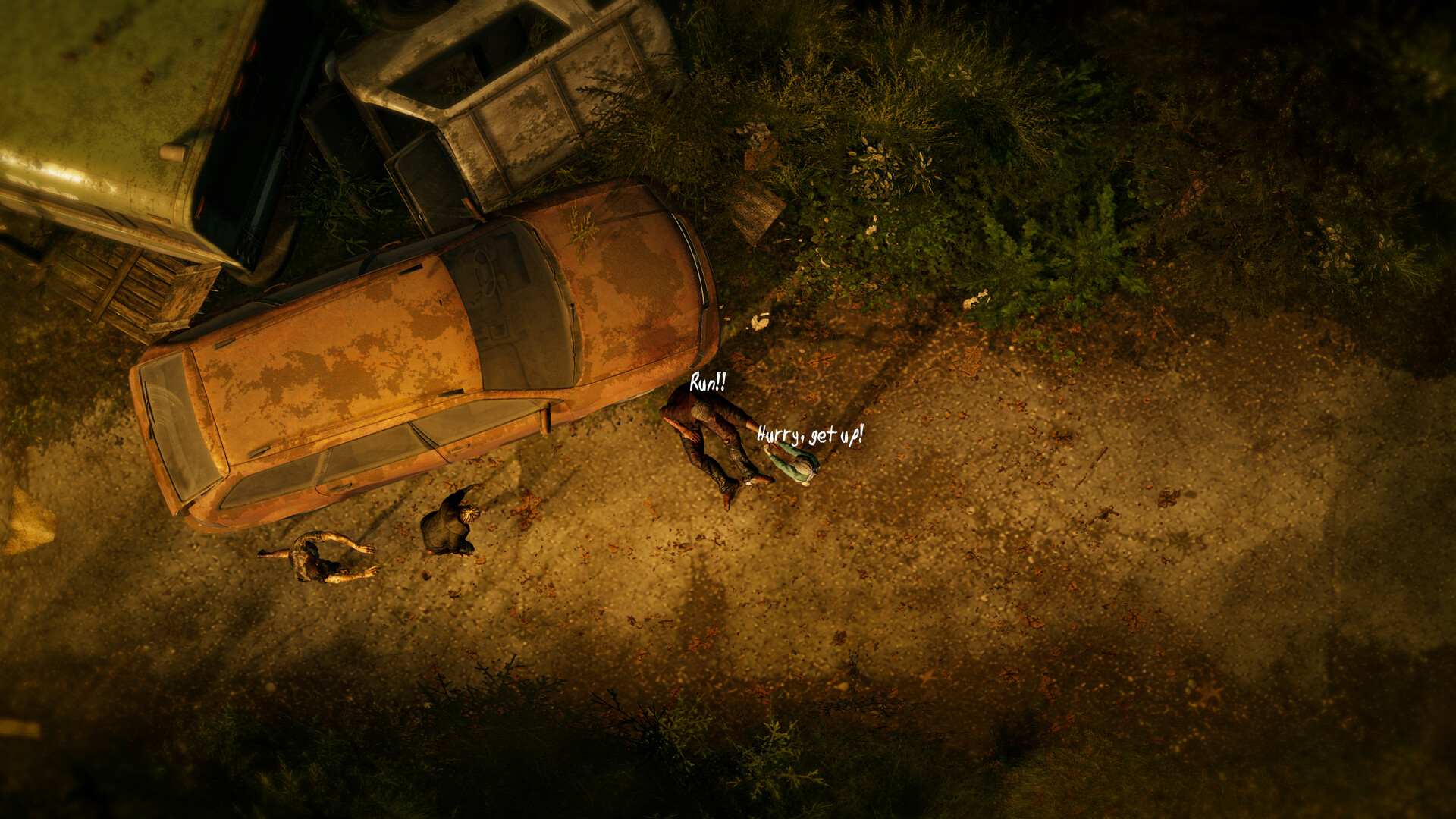
Terminus: Day Zero targets Windows PC via Steam. Before you download the free build, compare your machine to the store requirements below. Specs are taken from the public Steam page and matching coverage; always re-check Steam if a patch updates the table.
Minimum requirements
- OS: Windows 10 (64-bit processor and operating system required)
- Processor: Intel Core i5-6500 / AMD Ryzen 3 1200
- Memory: 8 GB RAM
- Graphics: NVIDIA GTX 750 Ti / AMD Radeon R7 360
- DirectX: Version 11
- Storage: 3 GB available space
Recommended requirements
- OS: Windows 10 (64-bit)
- Processor: Intel Core i5-8400 / AMD Ryzen 5 2600
- Memory: 16 GB RAM
- Graphics: NVIDIA GTX 1060 / AMD Radeon RX 580
- DirectX: Version 11
- Storage: 3 GB available space
How to read these numbers for Day Zero
Day Zero is a short top-down adventure, not an open-world ultra settings showcase. Meeting minimum should be enough for many players to finish the story. Recommended specs buy smoother frame pacing in foggy exterior scenes and more headroom if you keep browser stacks and chat clients open.
Storage at 3 GB is the free space Steam asks for, not necessarily the exact compressed download size. Leave a little extra room for Steam shader caches and cloud save metadata.
Platforms and devices
At launch messaging, Longplay described Day Zero as Windows PC (Steam) only, with no console, mobile, or Mac versions announced in the pre-launch FAQ. Steam Deck compatibility testing on SteamDB-style listings described the build as Playable, with notes about occasional non-Deck control icons and some small text. If you play handheld, use the controls comfort tips and test camera options early.
Performance tips that actually matter
- Close heavy downloads while playing—hitching hurts door timing more than soft shadows do.
- Prefer stable frame rates over unlocked tearing if you struggle with hide windows.
- Use custom volume controls so effects beat music; audio is part of survival.
- Enable camera comfort if motion makes you miss interactions.
- Verify GPU drivers briefly if the free install fails to launch; free games still need a working DirectX 11 path.
Pairing specs with the rest of the wiki
After you clear hardware, install from the Steam link on Links, then read Getting Started. If friends ask whether the game is free or how long it takes, point them to Launch FAQ. Gameplay habits live under How to Hide and the Walkthrough.
FAQ-style hardware answers
How much RAM do I need? Minimum 8 GB; recommended 16 GB.
How much disk space? At least 3 GB free according to Steam’s table.
What GPU is enough? GTX 750 Ti / Radeon R7 360 class for minimum; GTX 1060 / RX 580 class for recommended.
Does an iGPU work? Only if it roughly matches the minimum GPU guidance. Soft integrated graphics are not automatically safe.
Keep this page bookmarked when you gift the free install link to friends. A thirty-minute story still deserves a clean launch.
Friend install checklist
Copy this short checklist when someone asks whether their PC can run Terminus: Day Zero:
- Confirm Windows 10 or newer 64-bit.
- Compare CPU to the i5-6500 / Ryzen 3 1200 floor.
- Confirm at least 8 GB RAM free for the OS plus game.
- Match GPU to GTX 750 Ti / Radeon R7 360 class or better.
- Keep 3 GB free on the install drive.
- Update GPU drivers if the free Steam install fails to launch.
- After install, open Controls and set audio/camera comfort before the first scare.
If they only barely meet minimum, tell them to close overlays and prefer stable frames during door timing. If they exceed recommended, they can keep Discord and a browser open without much risk. Either way, send them Getting Started next so hardware readiness turns into the right mindset for Daisy.
Why specs still matter for a short free game
Players sometimes assume a free thirty-minute story can ignore GPU floors. Foggy exteriors, top-down readability, and interact prompts still hitch on underpowered machines. A hitch during a door close feels like unfair design even when the design is fair. Publishing clear requirements protects Longplay’s fantasy and protects your first session.
Frequently Asked Questions
Quick answers for Daisy's first day of the outbreak.
What is the minimum RAM for Terminus: Day Zero?
8 GB RAM minimum, with 16 GB recommended on the Steam table.
How much storage does it need?
Steam lists 3 GB available space for both minimum and recommended.
Is there a Mac or console version?
Launch FAQ messaging described Windows Steam only, with no Mac/console/mobile plans at that time.