Terminus Day Zero Terminus: Day Zero Guides
Practical survival writing for a game where fighting is impossible and listening is everything.
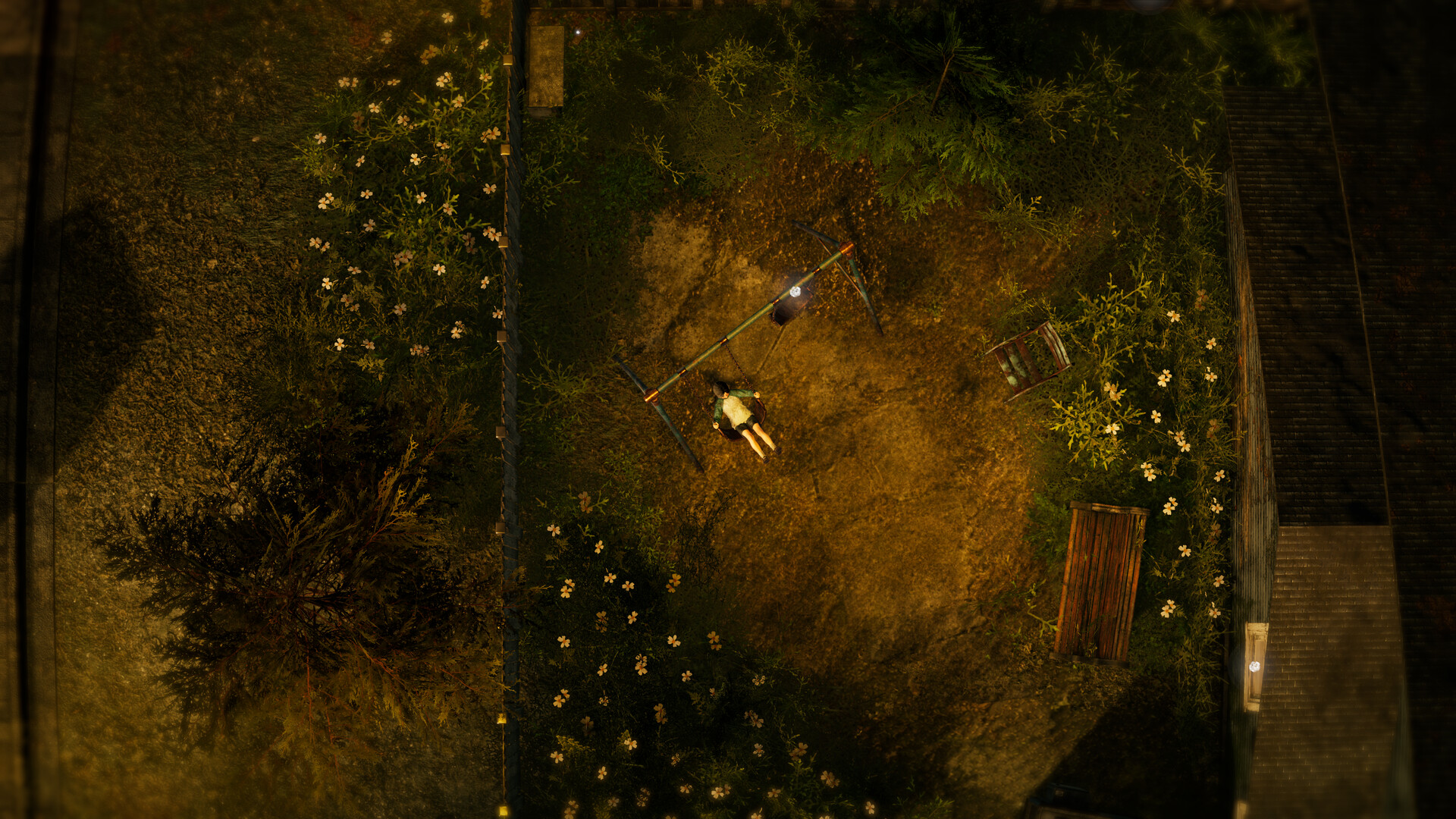
This hub collects every guide on the Terminus: Day Zero wiki. Day Zero is short, free, and deliberately fragile: Daisy cannot shoot, craft melee weapons, or clear a street with aggression. The guides below teach the habits that actually matter—when to hide, when a closed door buys seconds, when to abandon a room, and how to leave the neighborhood without turning a thirty-minute story into a softlock of panic.
Who these guides are for
If you just installed the game from Steam, begin with Getting Started. It covers what Day Zero is, what it is not, language options, expected playtime, and how to set expectations before the house goes quiet in the wrong way. Players who bounce on the first zombie contact should open How to Hide and Survive next; that page is the mechanical heart of the fantasy.
Controller and mouse players both belong on Controls. Steam lists mouse-only support and several comfort options, so the controls page explains how input style changes your risk when you need to shut a door in a hurry. Explorers who want cleaner routing without a full story dump can skim Tips and Tricks before a second run. When you are stuck in a specific beat, use the Walkthrough and accept that it contains route spoilers.
How the Guides hub connects to Tools and Updates
Guides answer “how do I play.” Tools answer “what do I need / what can I unlock.” After you understand hide-and-run basics, keep System Requirements and Achievements nearby. Studio clarifications about free pricing, playtime, multiplayer, and platforms live under Launch FAQ inside the Updates hub. Official store and community destinations sit on Links.
Recommended reading order
- Getting Started — install mindset and first-session goals.
- Controls — input comfort before tension spikes.
- How to Hide and Survive — beds, doors, breath, and escape timing.
- Tips and Tricks — pacing, audio, and second-run polish.
- Walkthrough — house-to-neighborhood route when you need it.
What “good play” looks like in Day Zero
Good play is patient without freezing. Daisy’s strength is local knowledge, not hit points. The guides on this hub repeatedly stress three loops: survey a room before you commit, use doors as temporary filters rather than permanent walls, and treat running as a planned phase instead of a last-second mash. If a tip sounds like a combat guide from another zombie game, ignore it here. There is no crowbar DPS table for Daisy.
Spoiler policy
Getting Started, Controls, How to Hide, and Tips stay light on story beats. The Walkthrough is explicit about sequence. Achievement hunting often needs a second pass; the achievements tool page marks which trophies are exploration-flavored versus story-flavored so you can plan without reading every ending detail up front.
Keep the wiki useful
Day Zero launched with a focused scope. If Longplay patches difficulty, accessibility, or achievement wording, this hub will point to refreshed child pages and the Updates section. Until then, treat Steam news from Longplay Studios as the authority, and use these guides as practical companions for Daisy’s longest day.
Browse the child pages in the navigation dropdown, or jump from the cards below after generate. Every guide cross-links siblings so you can move laterally without returning to the homepage each time.
Frequently Asked Questions
Quick answers for Daisy's first day of the outbreak.
Which guide should I read first?
Start with Getting Started, then How to Hide and Survive. Open the Walkthrough only when you are stuck or ready for spoilers.
Do these guides assume I played Terminus: Zombie Survivors?
No. Day Zero is standalone. Series context is optional flavor, not a mechanical requirement.
Where are achievements and PC specs?
Those live under Tools: Achievements and System Requirements. Guides focus on play patterns.