Terminus Day Zero Controls and Comfort Settings
Keep movement, interaction, and door timing reliable when Daisy has only seconds to spare.
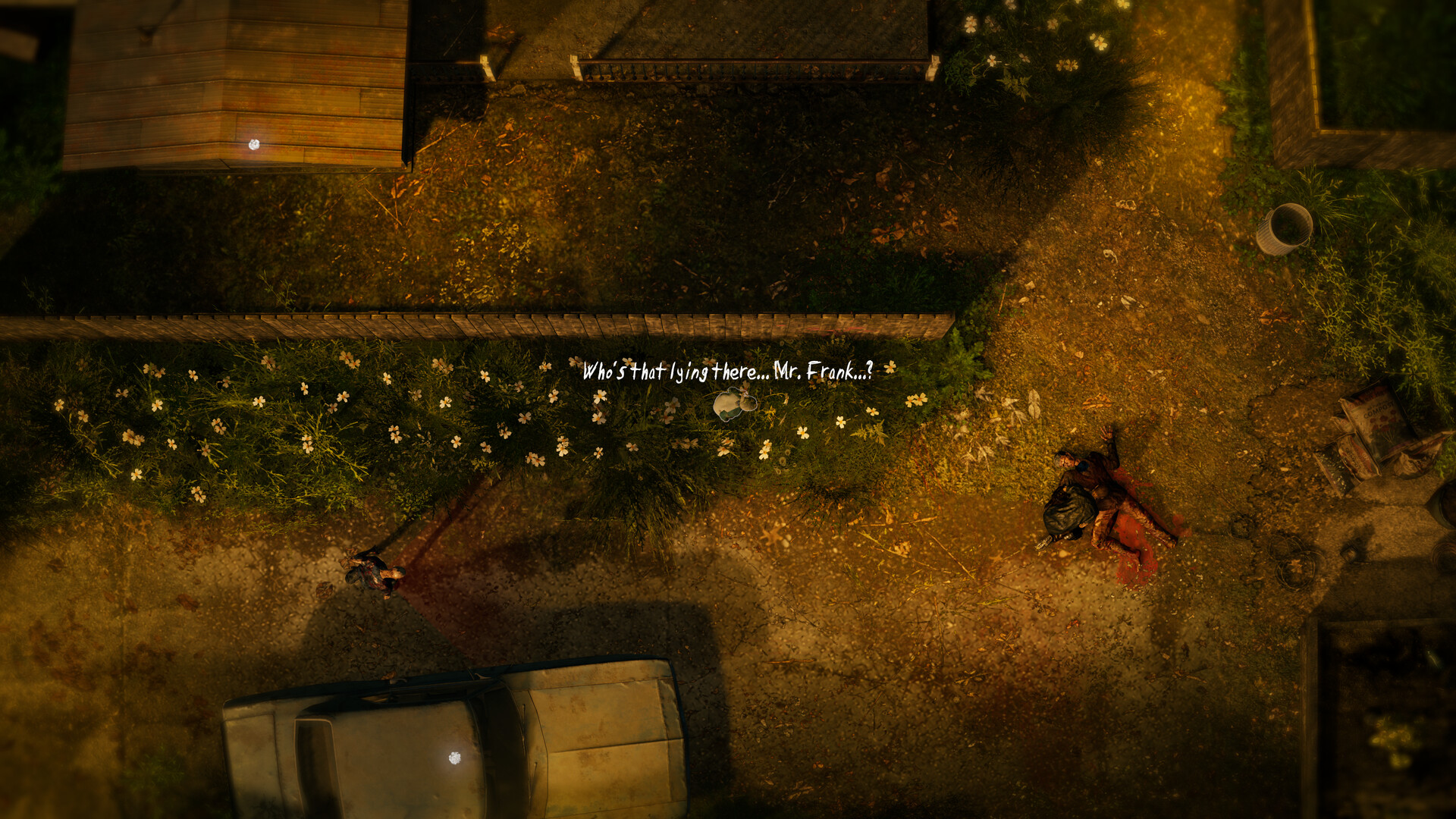
Terminus: Day Zero is a short top-down survival adventure where input quality matters more than hotkey density. You are not managing a twelve-skill bar. You are moving Daisy, interacting with hides and doors, and reading the space fast enough to leave before a room collapses. This controls guide focuses on comfort and reliability rather than inventing a fake keybind table the store page does not publish as a marketing grid.
What Steam lists for accessibility
The Steam store page for Day Zero highlights several comfort-oriented features:
- Camera Comfort
- Custom Volume Controls
- Mouse Only Option
- Playable without Timed Input
- Save Anytime
- Stereo Sound
- Steam Cloud
Those bullets are your first settings pass after install. Before you chase story tension, open the in-game options and confirm camera motion is tolerable, music is not drowning footsteps, and your preferred input mode is active. If you get motion discomfort in top-down horror, enable camera comfort early instead of mid-chase.
Mouse-only and controller mindsets
Mouse-only support means you can complete the experience without a keyboard dance, which is useful for couch PC setups and accessibility. Practice the critical sequence in a quiet room: move to a door, close it, then immediately path toward a hide or exit. That three-beat combo is the mechanical spine of how to hide.
Controller players should lower look sensitivity if the camera feels twitchy, and consider whether stereo headphones are available. Day Zero’s horror leans on proximity audio; poor speaker placement makes you late on hides.
Save anytime as a tension tool, not a crutch
Save Anytime is listed for a reason. Use it:
- After you learn a new wing of the house.
- Before you commit to a risky hallway.
- Before the neighborhood run if you want a clean retry without replaying the entire opening.
Do not savescum every second of atmosphere away on a first blind run unless that is how you enjoy short games. Day Zero is about thirty minutes in the studio FAQ; a couple of deliberate saves preserve momentum without deleting fear. Steam Cloud keeps those saves portable if you switch PCs.
Bindings philosophy for a no-combat game
Because Daisy cannot fight, your important inputs are locomotion, interact/hide, and door manipulation. Keep hands relaxed. Panic mashing is how players miss a door interact and get cornered. If a bind feels awkward, fix it in the quiet prologue minutes described in getting started, not after the dead are already inside.
Create a personal pre-flight:
- Confirm interact key or button.
- Confirm you can close doors without opening the menu.
- Confirm pause/save is reachable without hunting.
- Set volumes so effects sit above music.
- Disable any OS overlay key conflicts that steal focus.
Performance and input lag
Meeting system requirements is not only about pretty fog. Stable frame pacing keeps door timings honest. On minimum-spec GPUs, close background downloads and avoid driving the display at an unstable high refresh if frames hitch. A steady 60 is better than a spiky 120 for stealth timing.
Related pages
- Getting Started for install order
- How to Hide for what those inputs achieve
- Tips and Tricks for pacing and audio habits
- Walkthrough when route knowledge matters more than binds
Controls will not win Day Zero alone, but bad controls can lose it in a doorway. Spend two quiet minutes on comfort settings, then let Daisy’s house teach you the rest.
Frequently Asked Questions
Quick answers for Daisy's first day of the outbreak.
Does Terminus: Day Zero support mouse-only play?
Yes. Steam lists a Mouse Only Option among the game’s accessibility features.
Can I save whenever I want?
Steam lists Save Anytime. Use it before risky commits, especially prior to the neighborhood escape.
Are there special combat hotkeys?
No combat fantasy means no weapon bar. Focus on move, hide, interact, and doors.